 iller Clipper
 Choose the window
Select an eligible visible application and keep a rolling 15, 30 or 60 second replay buffer. Compatibility varies for protected, minimised, HDR and exclusive-fullscreen content.
Local-first replay clipping for Windows
Willer Clipper keeps a short, bounded replay buffer for the window you choose. When something worth keeping happens, save it to your own PC and get back to what you were doing.
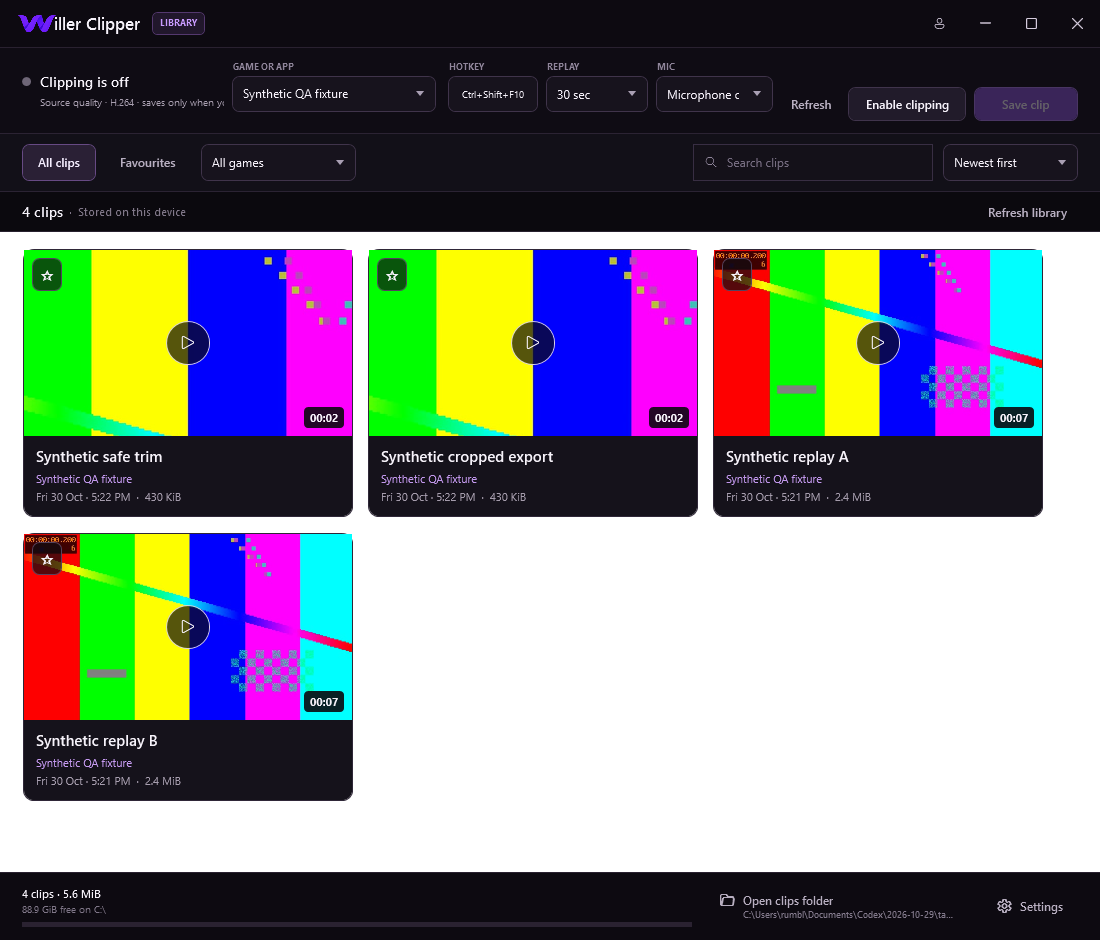
The replay you meant to save
Clip a selected application without turning every session into one long recording. Willer Clipper is not a cloud media library or a social network.
Select an eligible visible application and keep a rolling 15, 30 or 60 second replay buffer. Compatibility varies for protected, minimised, HDR and exclusive-fullscreen content.
Press Ctrl + Shift + F10 or use Save replay. Completed segments are assembled into an MP4 without requiring a full-session recording.
Clips, thumbnails and edits are stored on your device. Willer Clipper does not upload recorded video or audio to a cloud clip service.
Capture eligible audio from the selected process. Microphone mixing is opt-in and off by default; unavailable audio can continue as video-only.
Browse a local grid, search, filter, favourite, sort and open the containing folder without sending your library to a hosted feed.
Create a new trimmed or cropped MP4. The original is preserved and the app rejects exporting over it.
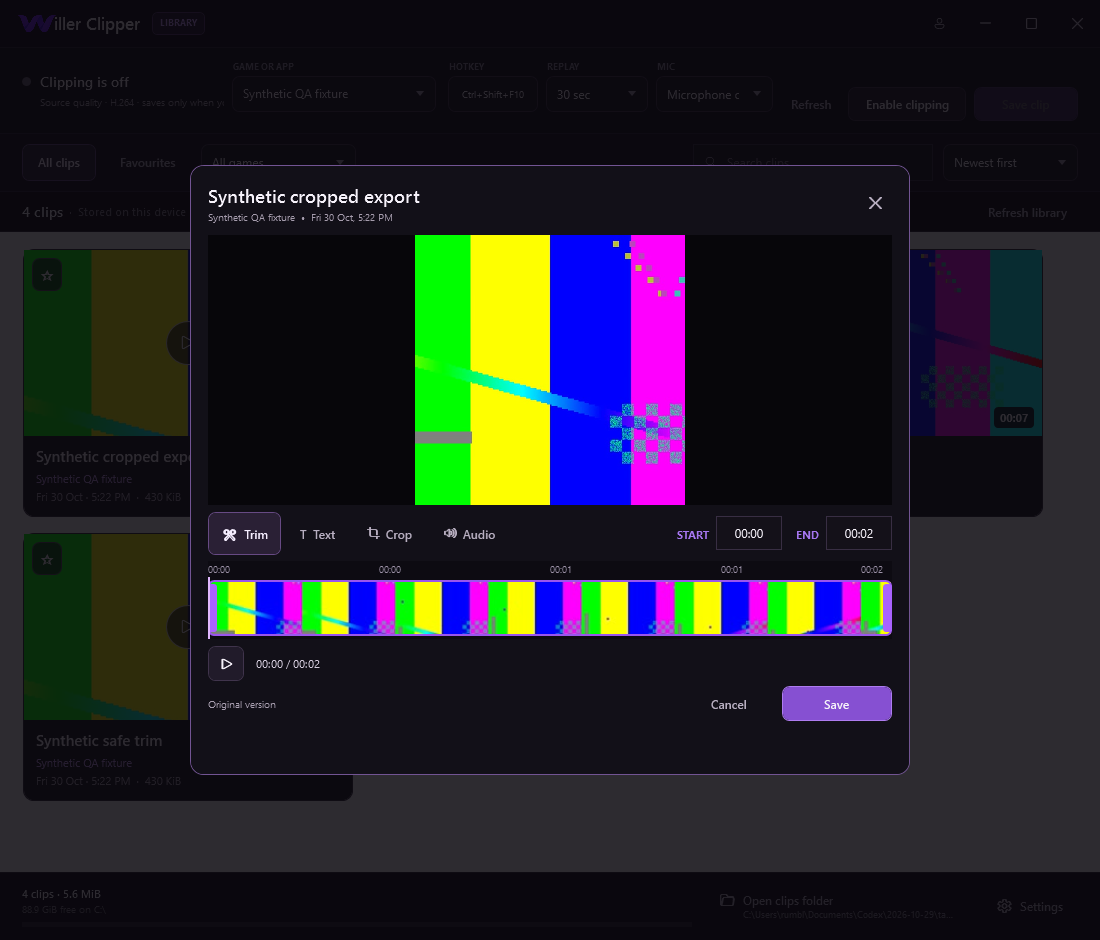
Honest by design
Recorded media stays on the device unless you move it yourself. The build contains account-policy and local settings/preset foundations, but production WillerID integration is not verified and it is not a cloud clip-storage account.
Synthetic tests passed. Live gameplay capture, real audio/device combinations and production account integration remain validation work. See the Privacy Policy for the exact boundary.
Release readiness
The 0.4.1 candidate is packaged and its synthetic tests passed. The installer has verified bytes and a separately signed update manifest, but it is not Authenticode signed. Live gameplay/audio capture and production WillerID integration are not yet verified.
Part of the Willer ecosystem